Playhead Notes
Notes and timeline bookmarks, right inside your track.
Every producer knows the feeling. You hear something mid-session (“the snare’s too loud in the second drop”, “try a vocal chop here”) and by the time you’ve found a notepad, the moment’s gone. Or you write it down, and next week you can’t remember where in the track you meant.
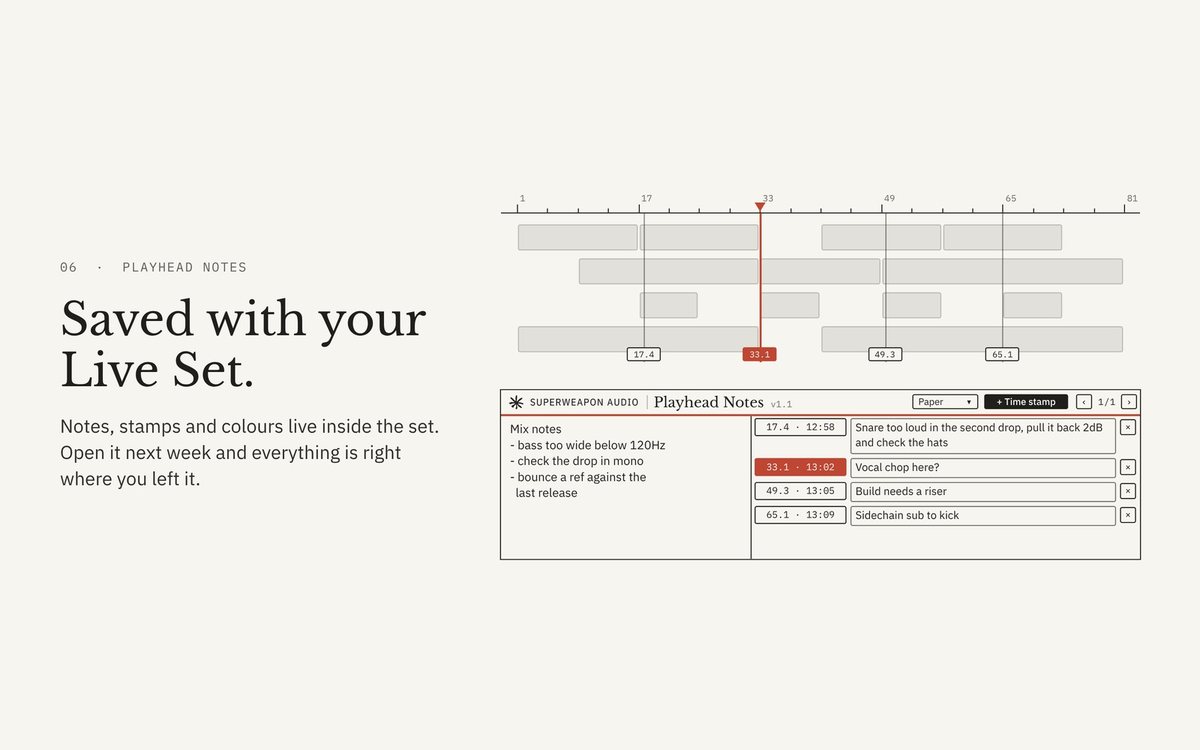
Playhead Notes puts your notes where the music is. Drop it on any track and you get a notepad for general ideas, plus a list of time stamps that remember exactly where the playhead was.
V1.1 · INSTANT DOWNLOAD · SECURE CHECKOUT BY MOONBASE
Max for Live audio effect. Needs Ableton Live with Max for Live: Live Suite, or Live Standard with the Max for Live add-on.
 PLAYHEAD NOTES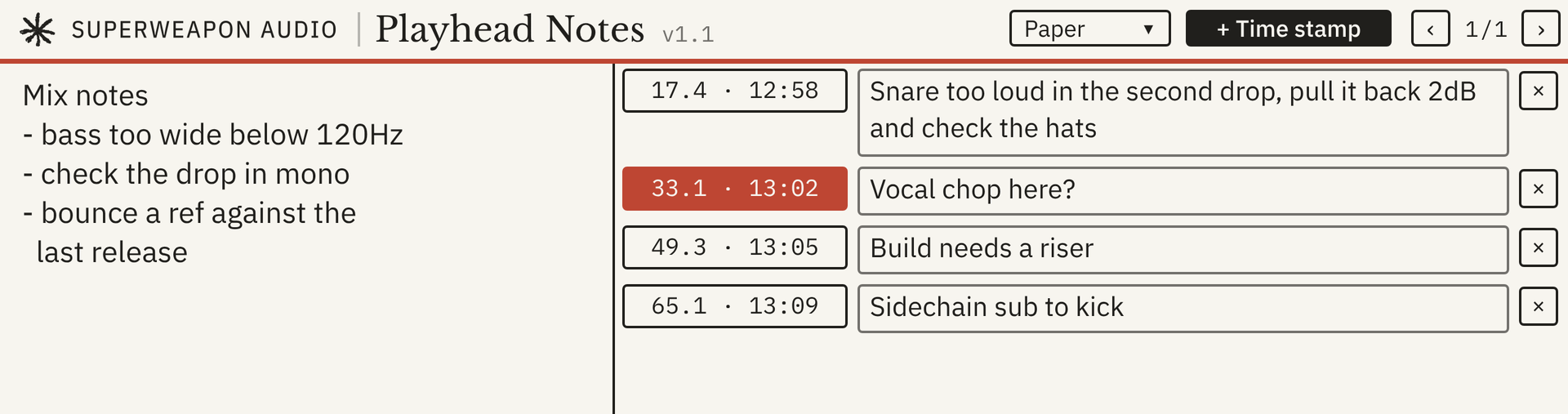
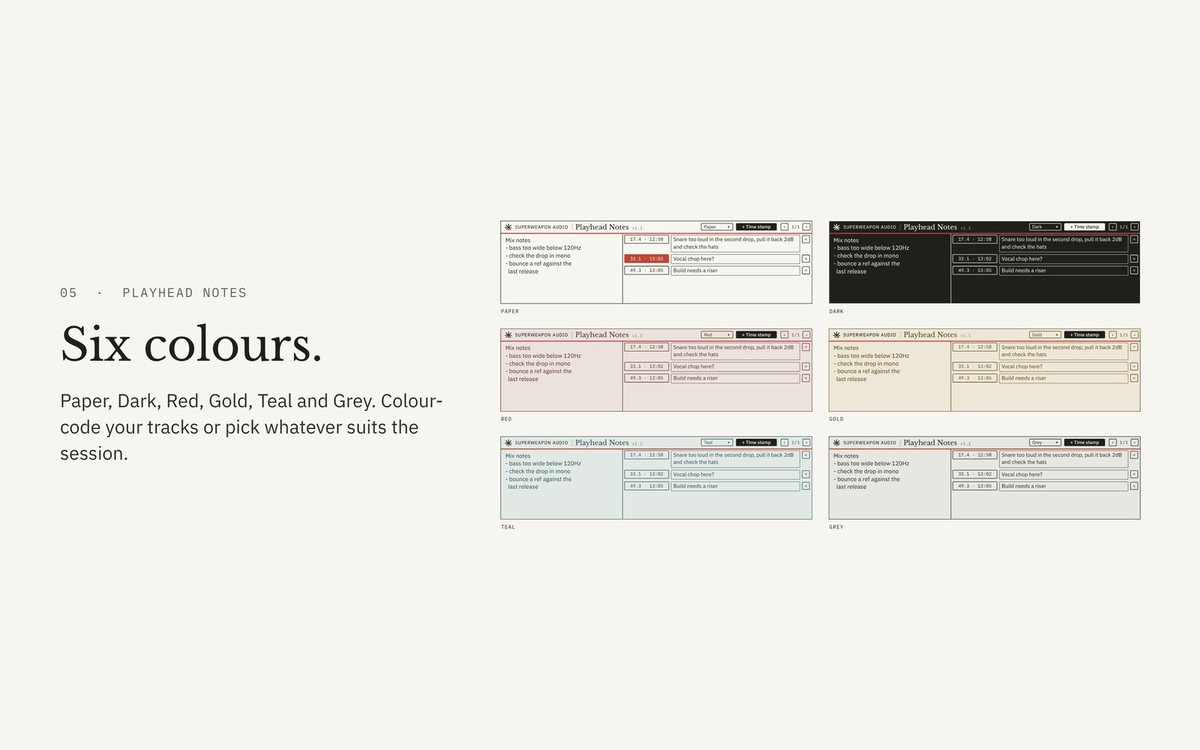
Colour-code your tracks
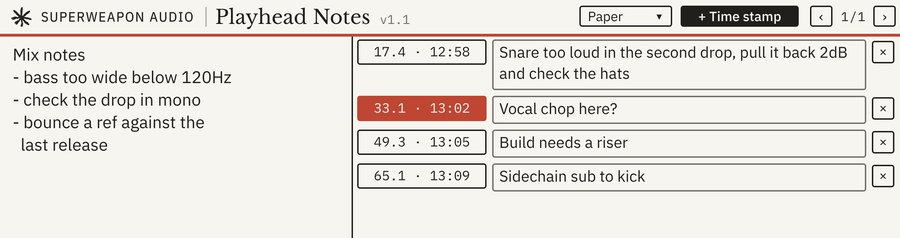 Paper
Paper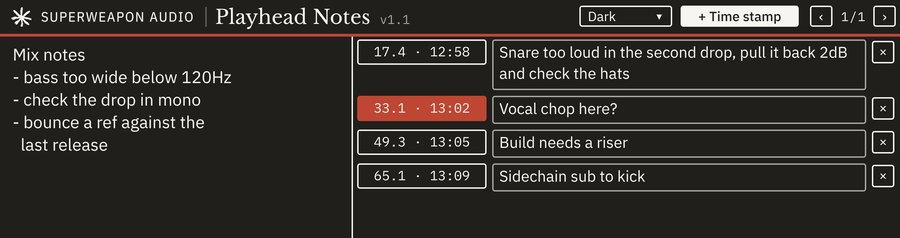 Dark
Dark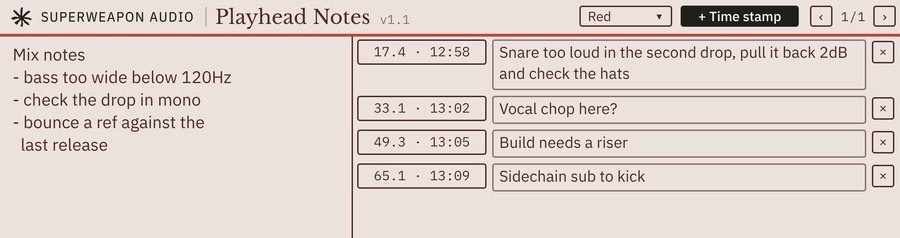 Red
Red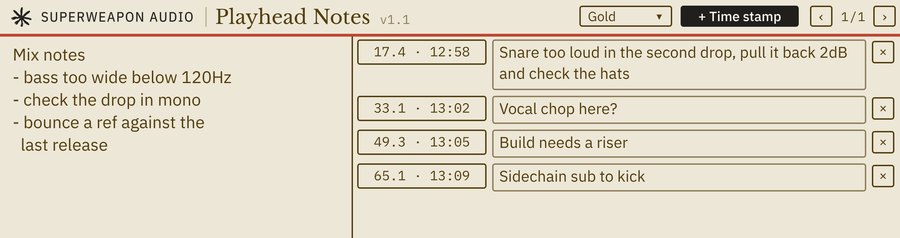 Gold
Gold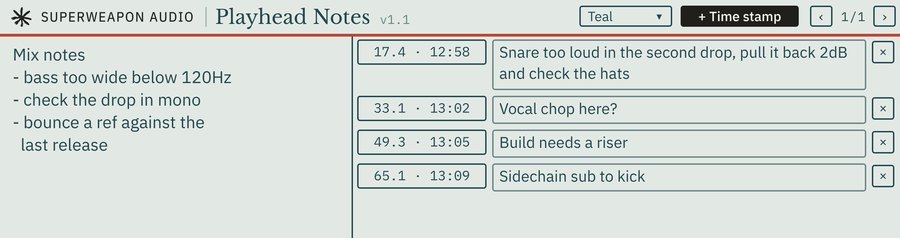 Teal
Teal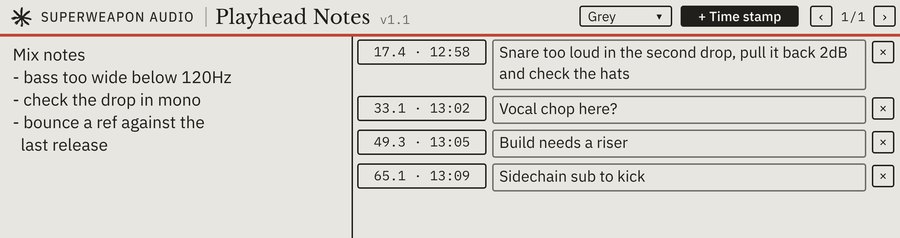 Grey
Grey
Six things it does well
What it does
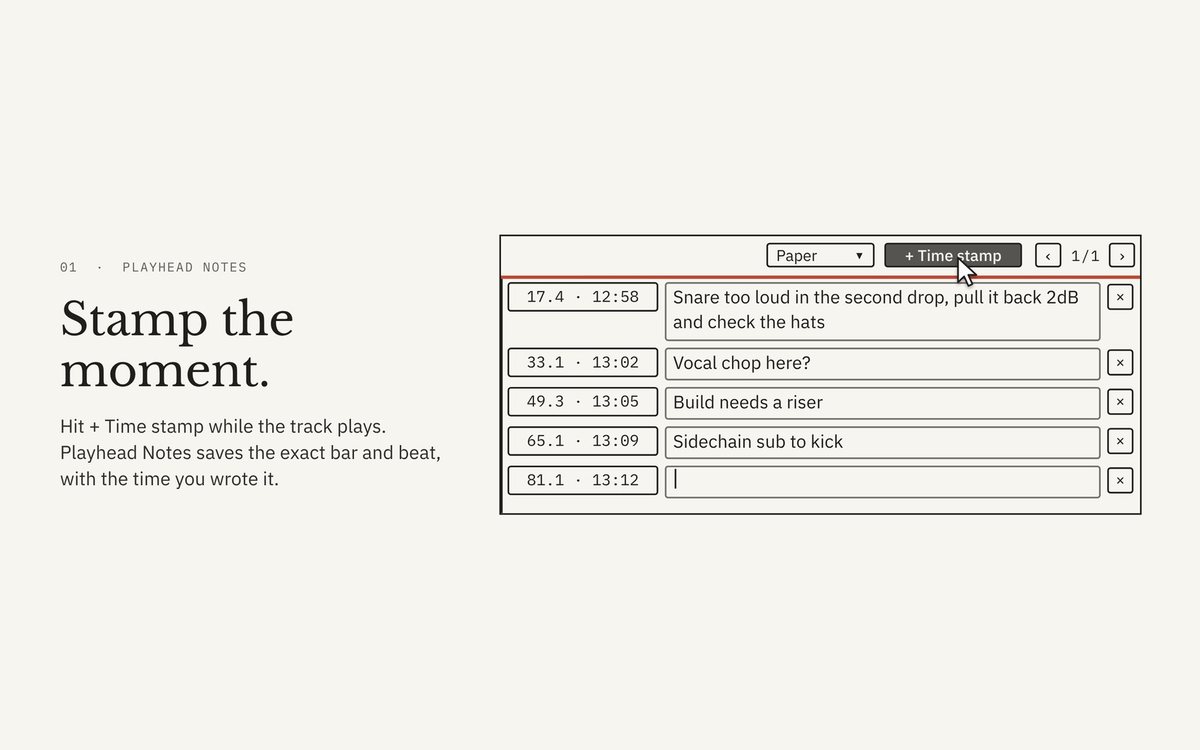
- One-click time stamps
- Records the playhead position, showing the bar, beat and time of day.
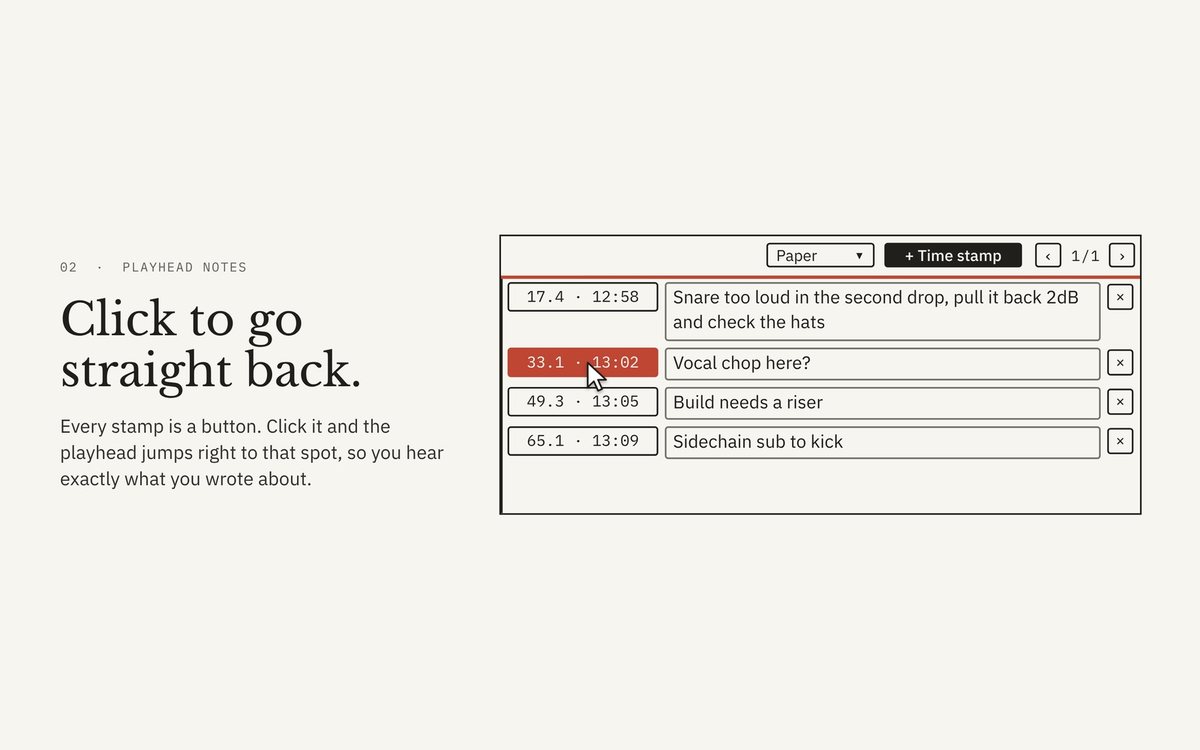
- Jump straight back
- Every stamp is a button. Click it and Live’s playhead returns to that exact spot.
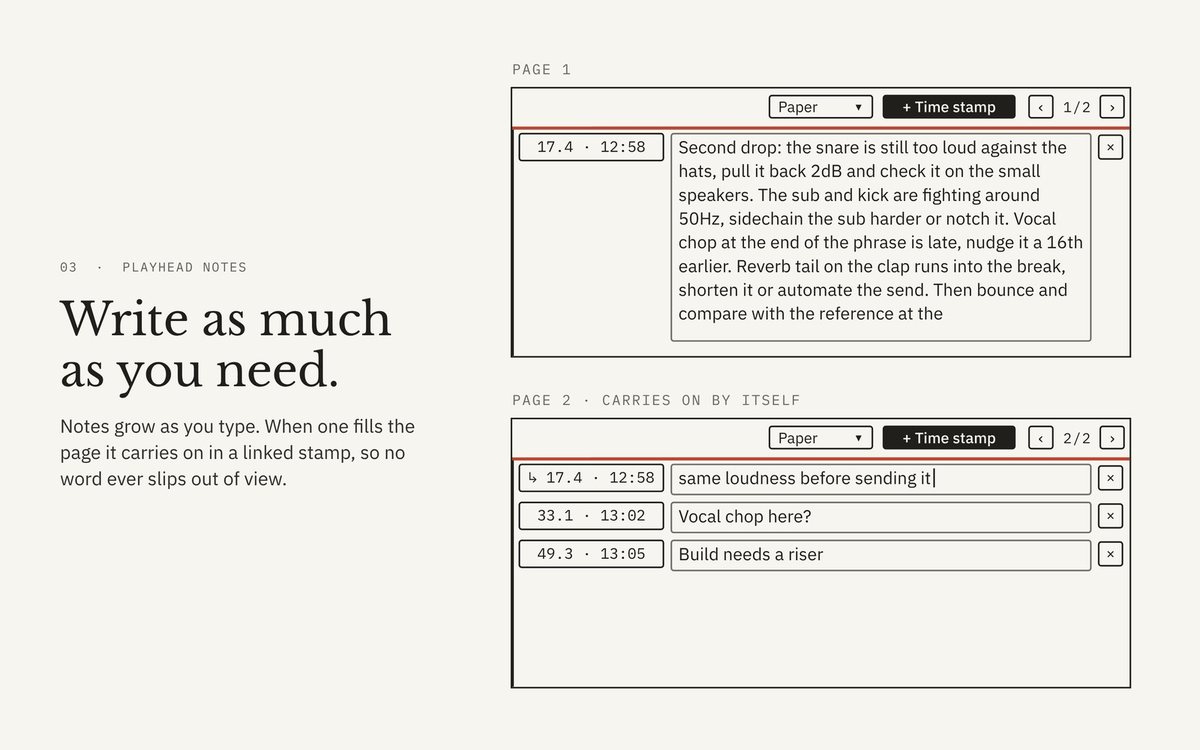
- A note for every stamp
- Long notes continue into a continuation stamp, marked with an arrow, so text never runs out of view.
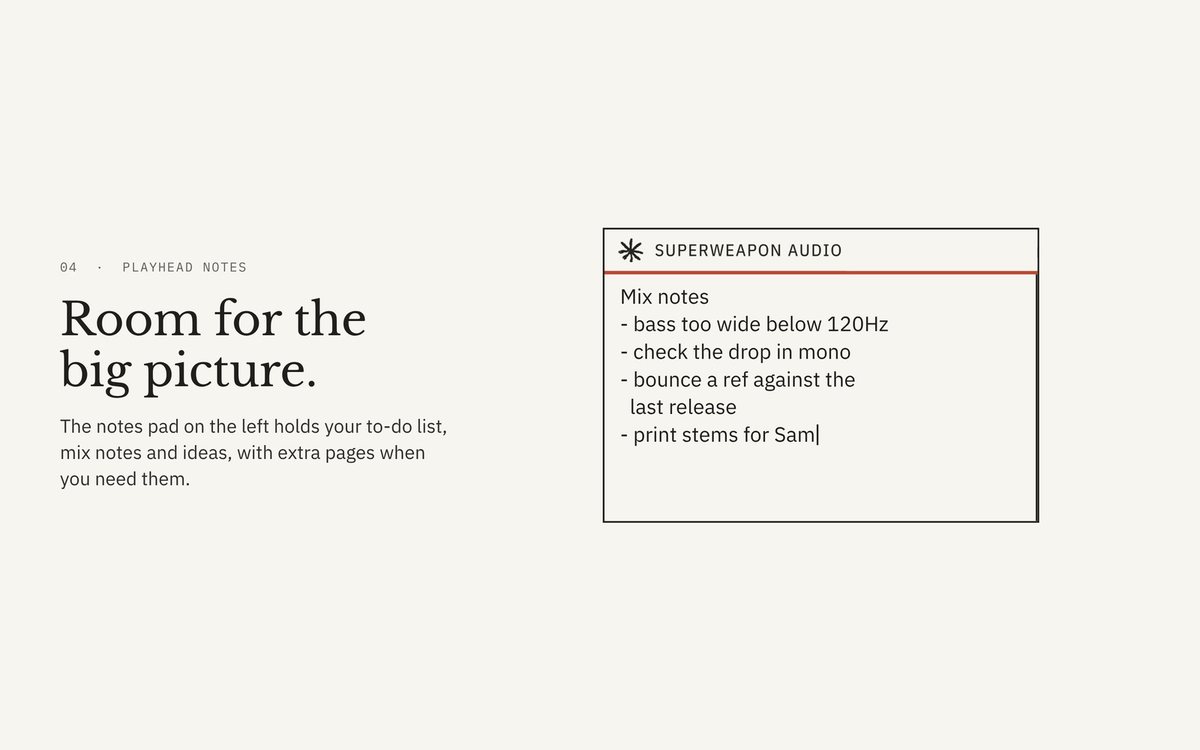
- General notes
- A notes area for to-do lists, lyrics, mix ideas or anything else.
- Pages
- Turn the pages of stamps and of the general notes when you have lots of them. Delete a stamp with ×.
- Colour themes
- Paper, Dark, Red, Gold, Teal or Grey, to match your setup or colour-code your tracks.
- Saves with your project
- Notes, stamps and colours are stored in the Live Set, so they’re still there when you reopen it weeks later.
- Works on any track
- Audio, MIDI, returns or master. It passes audio through untouched, so it never affects your sound.
Why it’s so useful
Mix feedback without losing your place
Listen through, stamp every problem as you hear it, then work through the list and click straight to each spot.
Remember your ideas
Capture inspiration the second it happens, tied to the exact bar it belongs to.
Better collaboration
Send a project with notes pinned to exact moments. No more “around the middle of the second verse”.
Revision tracking
Each stamp shows when you made it, so you can see what you noted in which session.
A cleaner workflow
No more sticky notes on the monitor or a text file you’ll never open again.
Up and running
- Unzip the download.
- Copy the whole Playhead Notes folder into your Ableton User Library. On Windows that's Documents\Ableton\User Library; on a Mac, Music/Ableton/User Library.
- In Live's browser, open User Library → Playhead Notes and drag the device onto any track.
Always load it from your User Library, not straight from Downloads. Live only copies the .amxd, and the device needs the other files in its folder.
Needs Ableton Live with Max for Live: Live Suite, or Live Standard with the Max for Live add-on.
Lost it? Sign in to My downloads with the email you bought with. Updates are free.

