Dub Siren
Four dub sirens with the echo built in.
A Max for Live instrument for firing, shaping and throwing classic sound-system sirens, with a tape echo and spring reverb ready to ride.
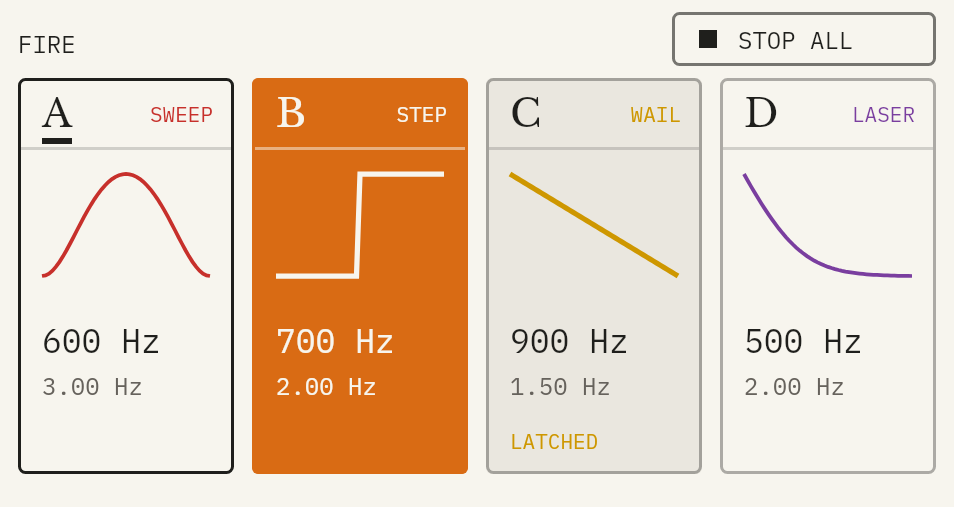
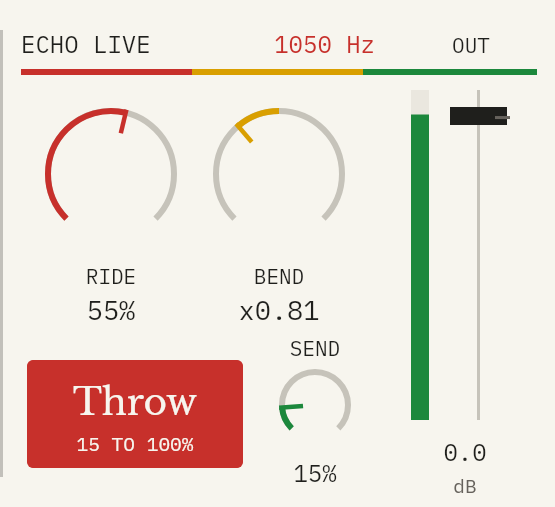
Four pads, seven shapes, and Throw: hold it to send the siren into the echo for a moment, then let go and let it ring out while the siren stays dry.
V0.9 · INSTANT DOWNLOAD · SECURE CHECKOUT BY MOONBASE
Max for Live instrument. Needs Ableton Live with Max for Live: Live Suite, or Live Standard with the Max for Live add-on.
 DUB SIREN
Each with its own colour
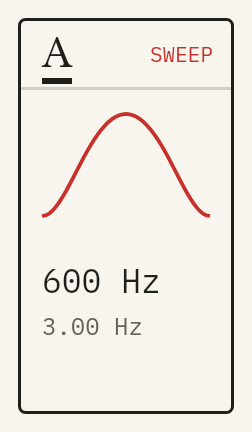 Sweep
Sweep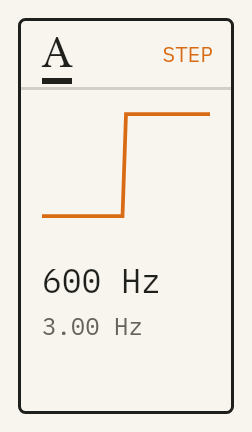 Step
Step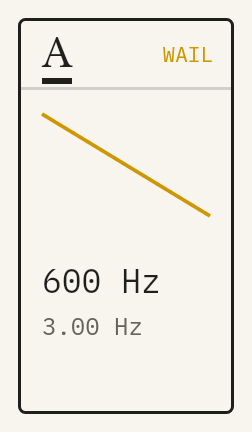 Wail
Wail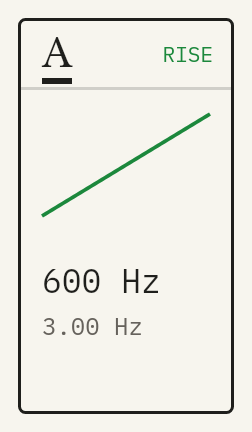 Rise
Rise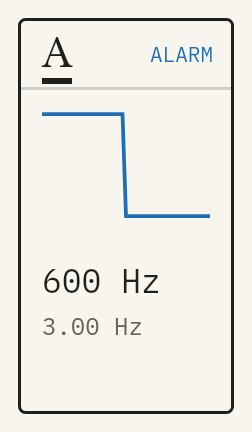 Alarm
Alarm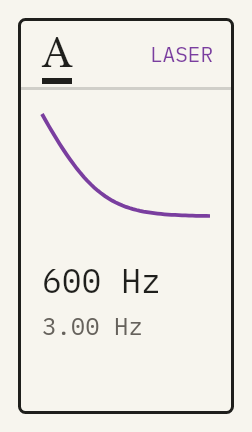 Laser
Laser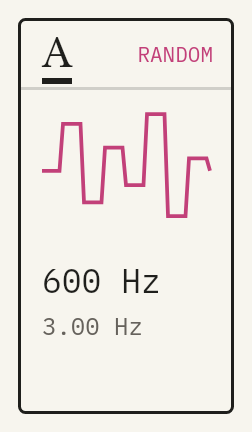 Random
Three moves
- 01
Fire
Hold a pad to play its siren, or play it from a MIDI keyboard or Push. Shift-click to latch a pad on.
- 02
Shape
Give each of the four pads its own shape, pitch and rate. Seven shapes, from the classic Sweep to Laser and Random.
- 03
Throw
Hold Throw to send the siren into the echo, then let it ring out. Ride the feedback and bend the echo time like tape.
What it does
- Four pads, four sirens
- Each pad has its own shape, pitch and rate for call-and-response.
- Seven shapes
- Sweep, Step, Wail, Rise, Alarm, Laser and Random. Rate can lock to the song tempo.
- Tone
- Morph from sine through the classic siren tone to saw and pulse, with a resonant filter, filter envelope and drive.
- Release modes
- Fade, Dive (the pitch falls as it fades) or Hold.
- Tape echo
- Synced or free time, wow and flutter, Stereo, Ping-Pong, Walk and Bounce modes, and feedback up to 120% that howls but never runs away.
- Spring reverb
- On the siren and its echoes.
- Stop All
- One button cuts the siren and every echo tail at once, even a feedback howl. MIDI-map it or use it from Push.
- MIDI and Push
- Play pitches from a keyboard, or fire the four pads from drum pads. Every control is a Live parameter with Push banks.
- Light and Dark themes
- Switch at the bottom left of the device.
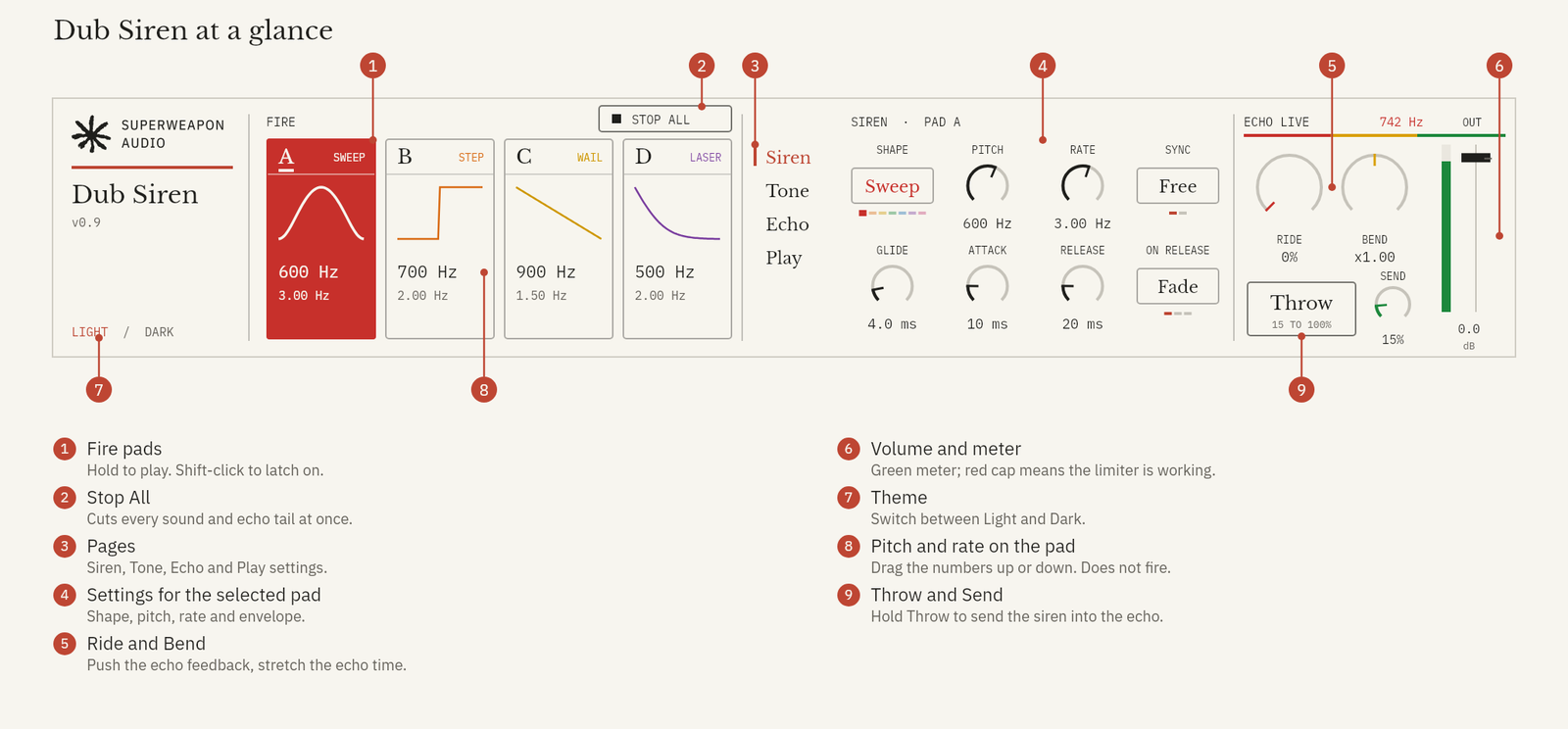
Every part, labelled
Up and running
- Unzip the download.
- Copy the whole Dub Siren folder into your Ableton User Library. On Windows that's Documents\Ableton\User Library; on a Mac, Music/Ableton/User Library.
- In Live's browser, open User Library → Dub Siren and drag the device onto a MIDI track.
Always load it from your User Library, not straight from Downloads. Live only copies the .amxd, and the device needs the other files in its folder.
Needs Ableton Live with Max for Live: Live Suite, or Live Standard with the Max for Live add-on.
Lost it? Sign in to My downloads with the email you bought with. Updates are free.

